用户协议:账号与云端服务Terms of Use: Accounts and Cloud Services
下一轮统一账号版本需先通过 Apple 或 Google 登录,再选择并确认球员;已有绑定会优先恢复。登录页提供“同意用户协议和隐私政策”的一次确认,球拍功能不再单独要求开启上传。同一登录提供方的同一已验证账号可在 ITT Assist 与 Tennis Assist 的 iOS、Android 版本中使用账号云端数据;不同提供方的账号不会仅因姓名或邮箱相同而自动合并。The next unified-account update requires Apple or Google sign-in before player selection and confirmation. Existing links are restored when available. The sign-in screen asks you to accept the Terms of Use and Privacy Policy once; racket tools do not require a separate upload switch. The same verified account from the same sign-in provider can use its cloud data in ITT Assist and Tennis Assist on iOS and Android. Accounts from different providers are not automatically merged because their names or email addresses match.
请只确认属于自己的球员资料。登录账号与球员身份不同,选择名字不构成对身份争议的最终认定;遇到身份被占用或绑定错误时应提交申诉,不得冒用他人身份访问私人资料。提交申诉不会自动转移身份或数据。新版“我的”中的账号与安全入口用于管理账号;退出登录不删除云端数据,解绑球员也不删除账号或将球拍数据转给别人。未升级的旧版本继续按其原有登录规则运行。Confirm only your own player profile. A sign-in account and a player identity are different; selecting a name does not resolve an identity dispute. Contact support if your identity is already claimed or linked incorrectly, and do not impersonate another player to access private information. An appeal never automatically transfers an identity or its data. The upcoming Account & Security section in Me provides account controls. Signing out does not delete cloud data; unlinking a player does not delete the account or transfer racket data to someone else. Older, unupgraded versions retain their existing sign-in rules.
球拍检测用于观察同一球拍、同轮穿线的相对变化,不等同于穿线机拉力或直接测得的弹性。初始值含经验模板和穿线时间参考;后续使用固定基准及频率变化计算,不能代替实物校准。20% 提醒是产品设定的参考阈值,不保证球线寿命、竞技表现或安全。请阅读下列数据说明;麦克风和通知的系统权限仍由手机管理。Racket measurements help track relative changes in the same racket and stringing cycle. They are not machine pull tension or a direct measurement of elasticity. The initial value uses empirical templates and an age-based reference; later values use a fixed baseline and frequency changes. These calculations do not replace physical calibration. The 20% reminder is a product reference threshold, not a guarantee of string life, performance or safety. Read the data disclosures below; your phone still controls microphone and notification permissions.
登录与绑定申诉Sign-in and Player-Link Appeals
新版登录页和球员绑定页提供申诉入口,未登录、未绑定也能提交。我们收集你填写的联系邮箱、问题类型、所属赛事、球员姓名、球队和问题说明,以及 App 标识、App 版本、系统版本和请求编号,用于受理、排查、回复及避免重复提交。姓名和球队可选,只有必要客服人员通过受保护的后台读取工单;工单不会公开展示。The updated sign-in and player-link screens offer support even before you sign in or link a player. We collect the contact email, issue category, league, player name, team and explanation you provide, plus the app identifier, app version, OS version and request ID, to investigate, reply and prevent duplicate submissions. Player and team names are optional. Tickets are accessed through a protected support backend and are not publicly displayed.
提交成功会返回申诉编号;这表示已保存工单,不代表已通过身份核验或已转移绑定。申诉记录目前没有自动到期删除规则;如需访问、更正或删除,请联系 hituptennis@gmail.com 并提供申诉编号。接口安全日志另按适用规则保存。表单不上传截图;需要时可通过邮件自愿补充截图,请遮盖无关私人信息。请勿提供密码、验证码或恢复代码。A successful submission returns a ticket number. This confirms the ticket was saved, not that identity verification or a link transfer has been approved. Appeal records currently have no automatic expiration rule. For access, correction or deletion, email hituptennis@gmail.com with your ticket number. API security logs follow their applicable retention rules. The form does not upload screenshots; you may optionally provide them by email, with unrelated private information hidden. Never send passwords, verification codes or recovery codes.
无法提交或使用旧版本时,可直接邮件联系 hituptennis@gmail.com;不要求先进入个人页面。If submission fails or you use an older version, email hituptennis@gmail.com directly. You do not need access to your profile page.
球拍云端检测与同步Cloud Racket Measurements and Sync
手机仅在检测时使用麦克风,在本机识别频率;不上传或长期保存原始录音。球拍昵称、拍面面积、横竖线材质及线径、穿线日期和设定磅数、频率、检测质量摘要、检测时间及设备与 App 版本会发送至后台,用于云端计算、固定基准、检测历史、故障诊断和同一账号跨设备、跨 App 同步。这些功能数据关联统一账号,不属于匿名数据;姓名和邮箱不作为球拍检测上传字段。换线会建立新一轮记录,原有历史继续保留。功能记录保留至你删除;诊断摘要最多保留90天。删除单支球拍会删除其云端记录;删除账号会删除账号关联的球拍数据。退出登录不等于删除云端数据,球员解绑也不等于删除账号。网络失败时待提交的频率和参数可保留在本机重试;旧本机记录不会在未经迁移操作时自动上传。必要计算、存储、同步和故障诊断属于所请求服务;非必要研究或独立模型训练用途不包含在本次同意中,若开展会另行说明并征求选择。The microphone is used only during measurement to detect frequency on the phone; raw recordings are neither uploaded nor retained long-term. Racket nickname, head size, main/cross string material and gauge, stringing date and machine tension, frequency, quality summaries, measurement time, and device/app versions are sent to the backend for calculation, fixed baselines, history, diagnostics and synchronization across devices and apps signed into the same account. These functional data are linked to the unified account and are not anonymous; personal names and email addresses are not racket-measurement payload fields. Restringing starts a new cycle while retaining prior history. Functional records remain until deletion; diagnostic summaries are retained for at most 90 days. Deleting a racket removes its cloud records; deleting an account removes its associated racket data. Signing out does not delete cloud data, and unlinking a player does not delete the account. Pending frequency and settings may remain locally for retry after a network failure; old local records are not automatically uploaded without a migration action. Necessary calculation, storage, synchronization and troubleshooting provide the requested service. This agreement does not cover nonessential research or separate model training; any such use will be explained and offered separately.
收集的信息Information Collected
- 账号和身份信息:旧版本注册可选,统一账号新版本需要登录,可用的 Apple 或 Google 登录方式以该版本为准;我们使用相应登录提供方的稳定账号标识、已确认的球员姓名与球队绑定、评级、语言设置、设备和 App 状态,不接收登录密码。登录会话保存在设备安全存储中。Account and identity data: registration is optional in older versions; unified-account versions require sign-in. Available Apple or Google sign-in options depend on the installed version. We use the applicable provider's stable account identifier, the confirmed player name and team link, rating, language preference, device and app state; we do not receive the account password. The sign-in session is kept in secure device storage.
- ITT助手公开头像和使用记录:用户主动设置并发布的头像;与所选球员身份关联的 App 版本、设备型号、系统版本、语言、时区和打开 App 记录。安装标识在服务器端以哈希形式保存,但会与球队和球员身份一起用于统计和故障排查,因此不视为完全匿名。ITT Assist profile photos and usage records: profile photos users choose to publish; app version, device model, system version, language, time zone and app-open events linked to the selected player. The installation identifier is stored as a server-side hash, but is used together with team and player identity for measurement and troubleshooting and is therefore not treated as fully anonymous.
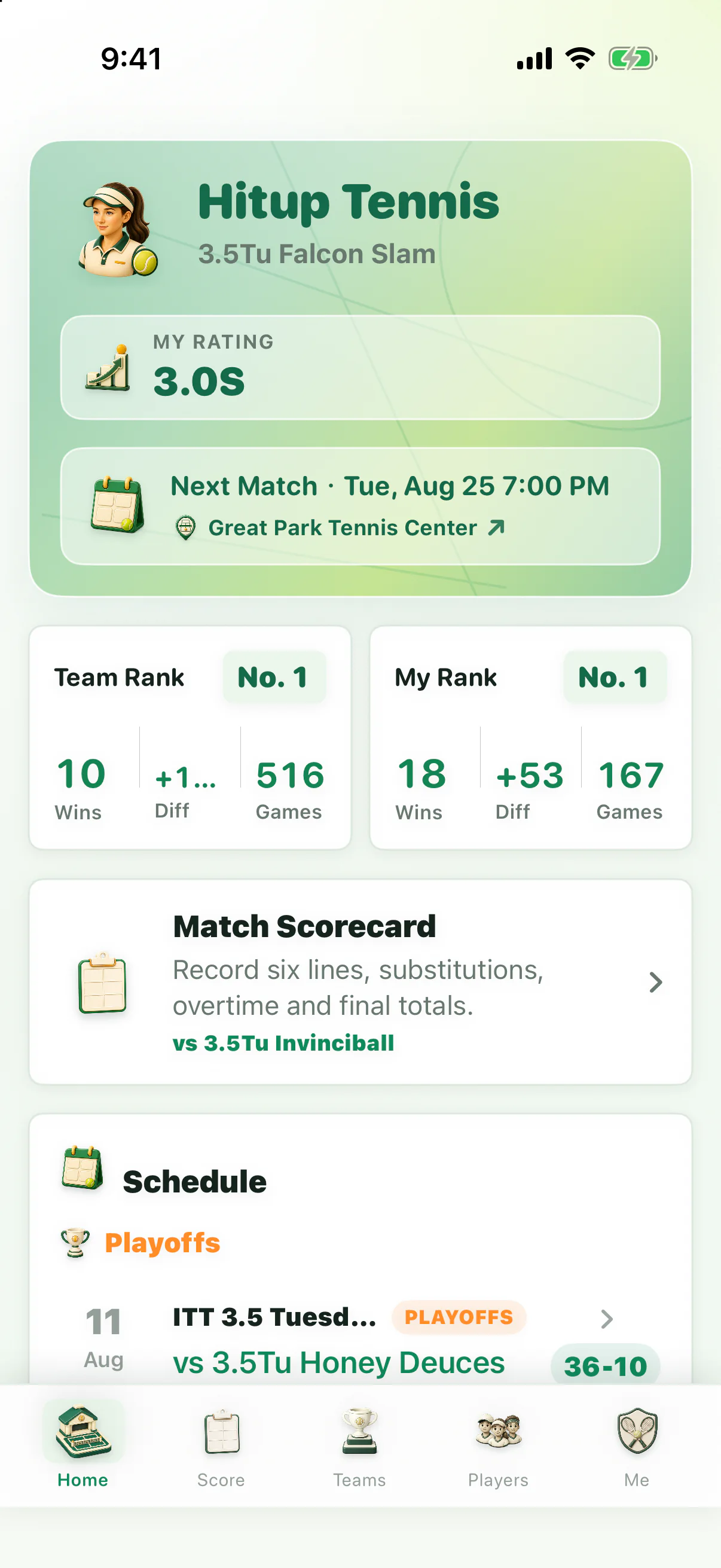
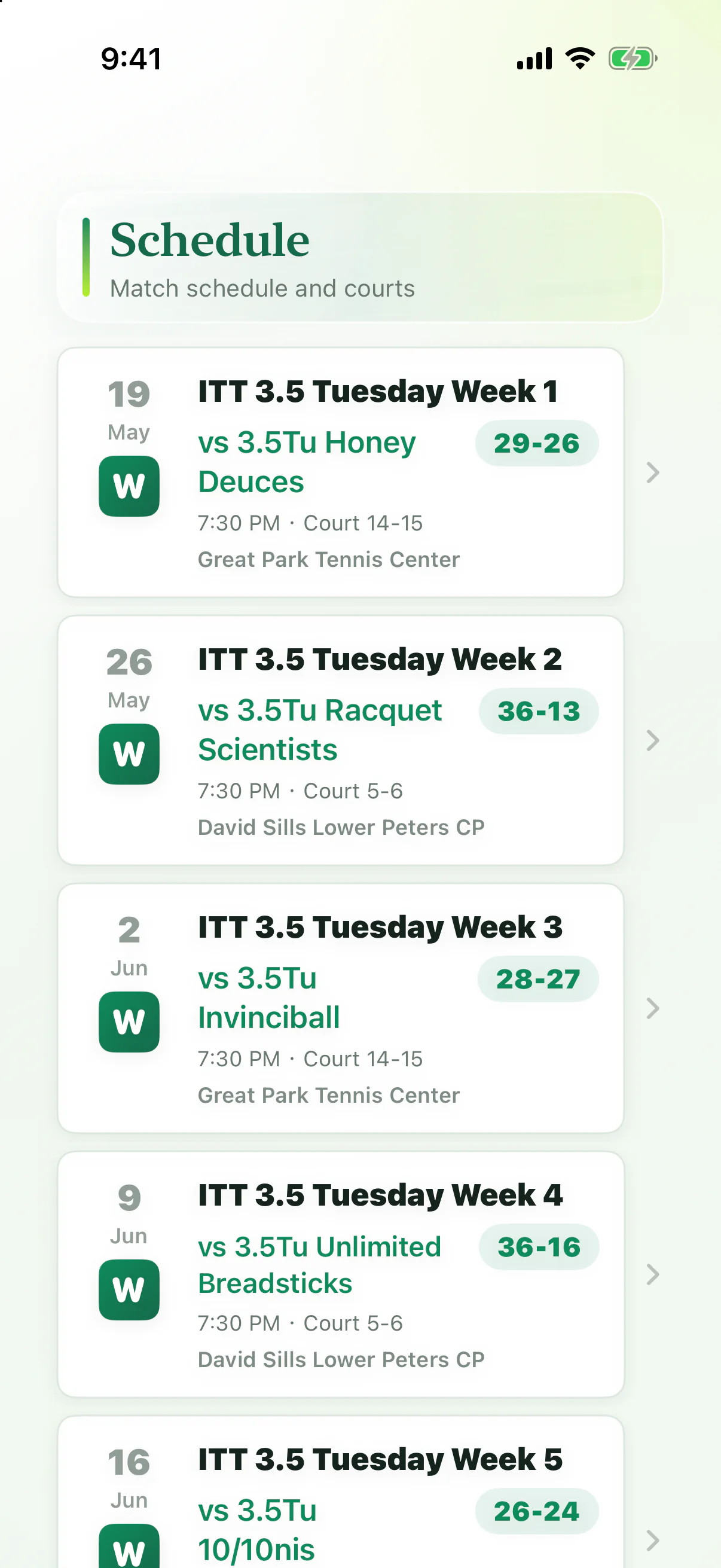
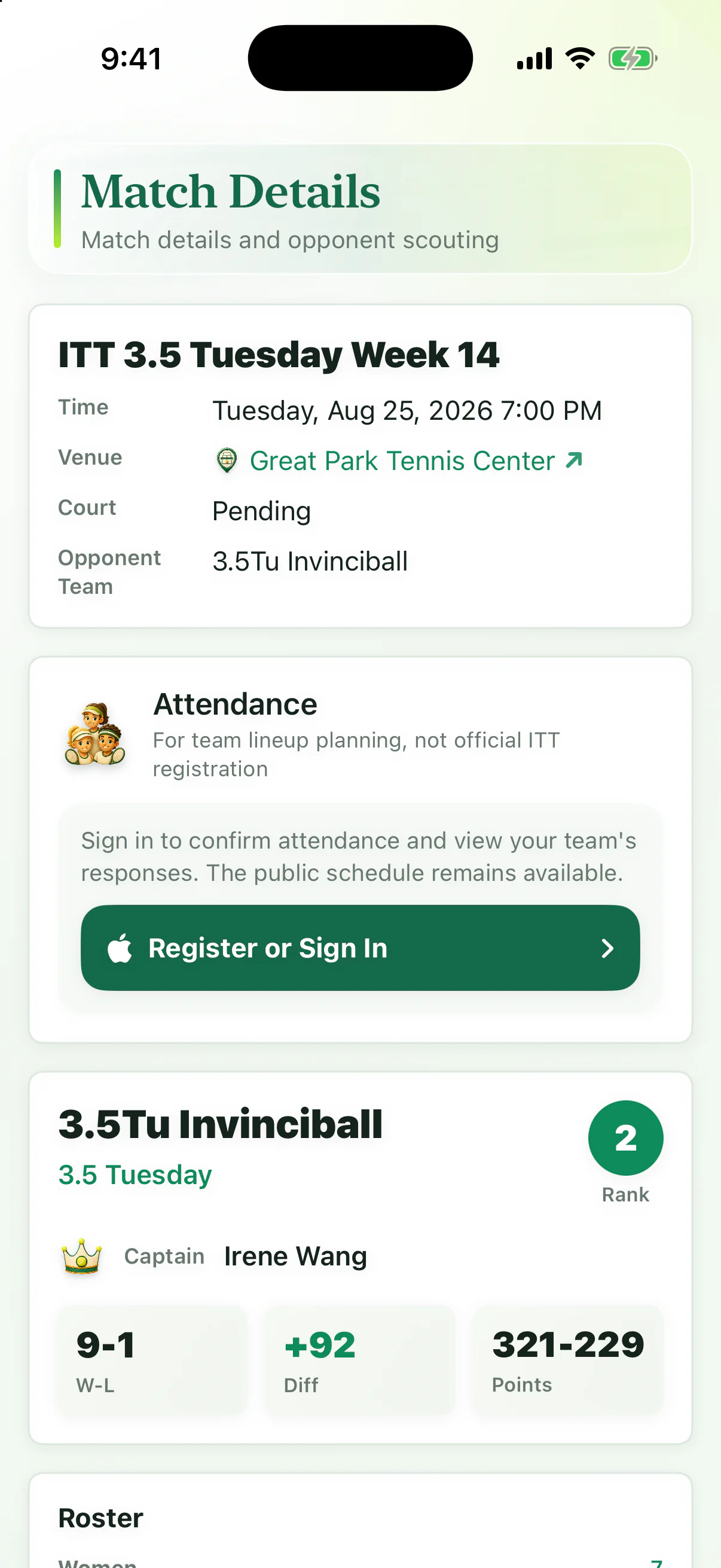
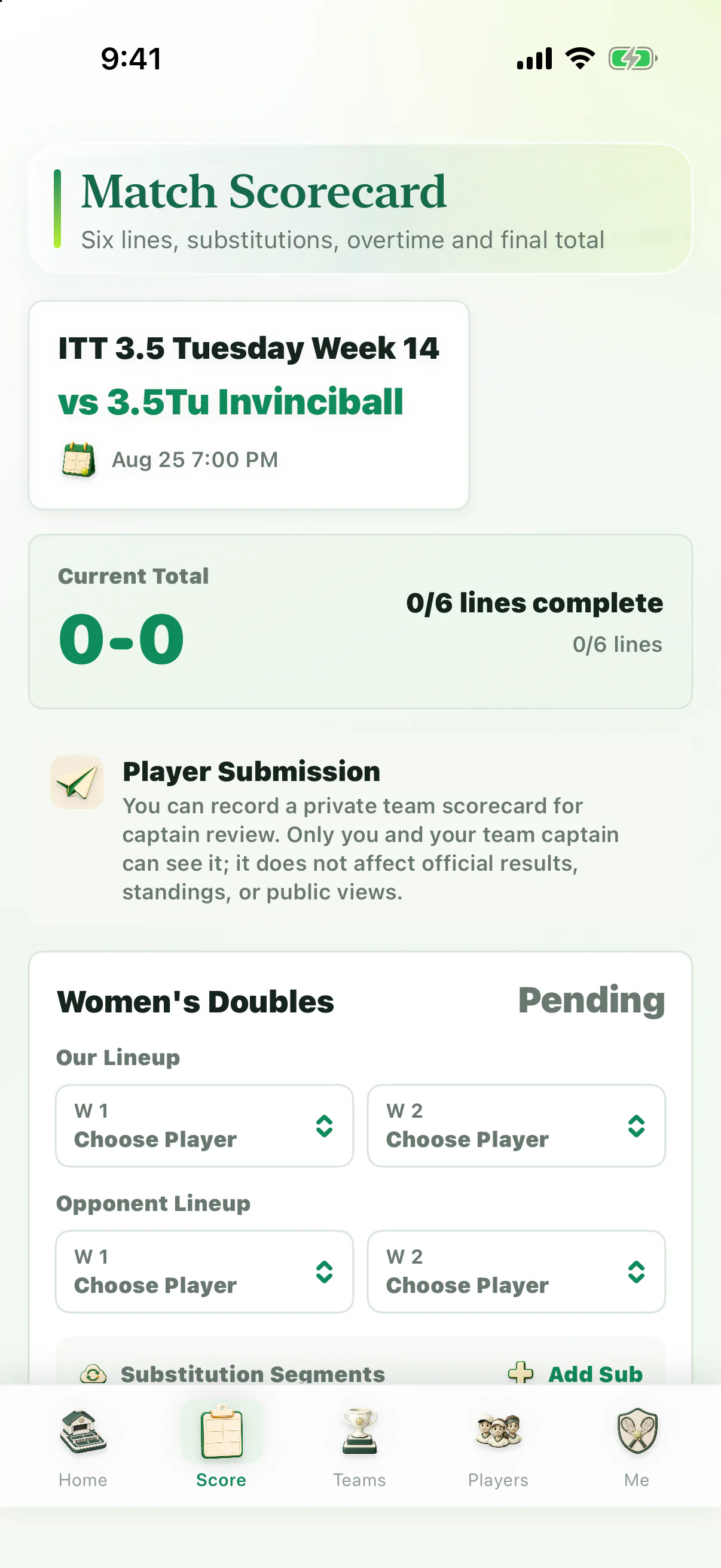
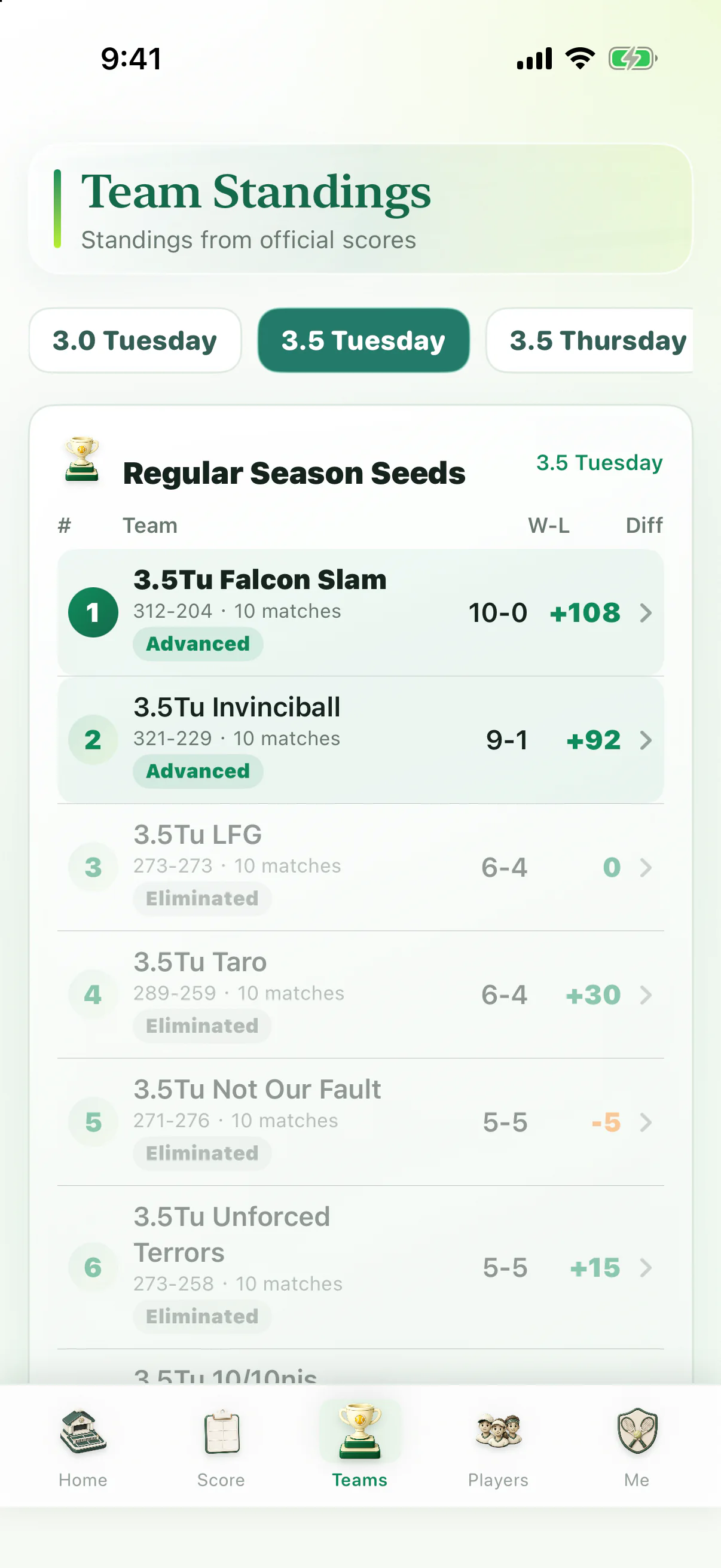
- 网球数据:赛程、比分、排名、球队名单、球员标注、导入记录、出席确认、私有计分卡和用户确认的资料。用户可以选择输入 USTA 编号,将当前 ITT 身份与同名的公开 USTA 球员资料关联;后台会保存该关联与同步状态,并整理相应的公开评级、当前队伍、队员名单、本赛季赛程和对手资料。查看已公布比赛中的球员详情时,后台也可能使用公开的姓名、城市和州确认唯一对应的 USTA 编号,并将确认结果保存在私有缓存中;同名、地点不一致或候选不唯一时不会建立关联。旧版本此功能不要求注册账号,未注册时使用哈希化安装标识区分绑定;统一账号新版本需先登录。用户可在 USTA 页面解除该关联;删除注册账号时也会删除相关 USTA 绑定、个人上场选择与未完成同步任务。USTA 页面中“可以上场、不能上场、暂不确定”的个人选择仅用于当前绑定身份的个人赛程管理,不向其他队员公开。ITT 队伍页面中的未来比赛参加、缺席或待确认状态仅向已登录的同队成员显示;可选缺席原因仅本人和当前球队队长可见。比赛产生官方完整结果后,任何人可以查看所选球员本人的官方历史参加或未参加记录;完整本队历史出席汇总仍只对已登录并确认绑定的同队成员开放。Tennis data: schedules, scores, standings, rosters, player notes, import records, attendance confirmations, private scorecards and user-confirmed information. Users may enter a USTA number to associate the selected ITT identity with the matching public USTA player profile. The backend stores that association and sync status and organizes the corresponding public rating, current teams, rosters, current-season schedule and opponent details. When a user views a player in a published match, the backend may also use public name, city and state information to confirm one matching USTA number and store that confirmed result in a private cache; it does not create a link when the name is ambiguous, the location differs or multiple candidates remain. Older versions do not require registration; a hashed installation identifier distinguishes an unregistered link. Unified-account versions require sign-in first. Users can remove this association from the USTA page; deleting a registered account also removes related USTA links, personal availability choices and unfinished sync jobs. A personal Available, Unavailable or Not sure choice on the USTA page is used only to manage the current linked identity's own schedule and is not disclosed to other players. On ITT team pages, future availability remains visible only to signed-in members of the same team, and an optional absence reason is visible only to that player and the current team captain. After a complete official result exists, anyone may view the selected player's own official historical attended or did-not-attend record; full-team historical attendance remains limited to signed-in members linked to a confirmed player profile on the same team.
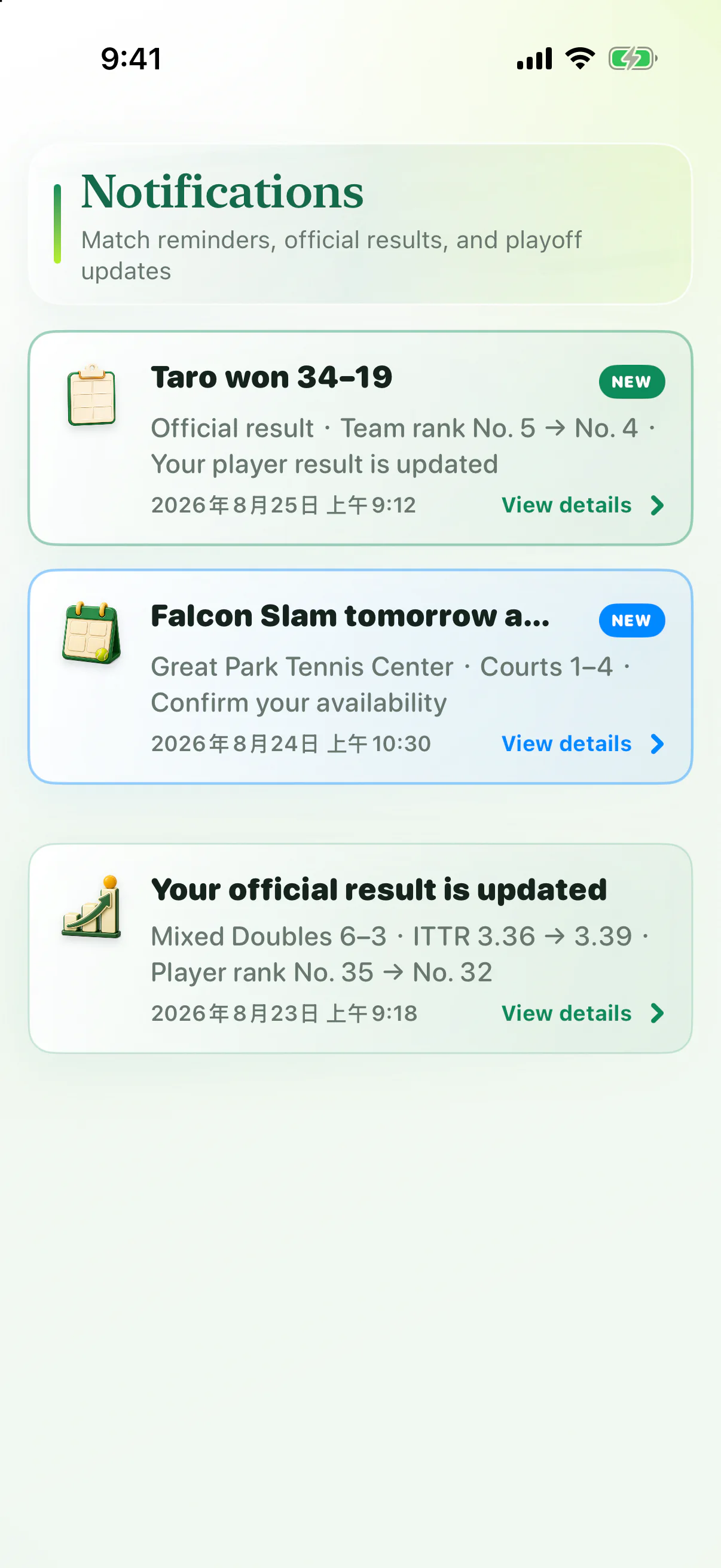
- 通知数据:用户开启通知时,Apple Push Notification service(iOS)或 Firebase Cloud Messaging(Android)的设备推送令牌、通知授权状态、安装标识哈希、发送状态和已读状态用于发送赛前提醒、球队赛果、个人赛果及排名变化。用户可以在系统设置中关闭通知。Notification data: when notifications are enabled, the Apple Push Notification service (iOS) or Firebase Cloud Messaging (Android) device push token, authorization state, hashed installation identifier, delivery state and read state are used for match reminders, team results, player results and ranking changes. Users can turn notifications off in system settings.
- App 完整性数据:ITT助手 9.0 可使用 Apple App Attest(iOS)或 Google Play Integrity(Android)确认请求来自真实、未被明显篡改的 App 安装。后台只保存哈希化安装标识、验证公钥或证明摘要、验证计数和短期访问凭证,不保存设备序列号,也不会把完整性验证作为注册前提。仍受支持的旧版本可以继续匿名访问公开内容。App integrity data: ITT Assist 9.0 may use Apple App Attest on iOS or Google Play Integrity on Android to confirm that a request comes from a genuine app installation that has not been materially modified. The backend keeps only a hashed installation identifier, verification public key or proof digest, verification counter and short-lived access credential. It does not store a device serial number or make integrity verification a condition of registration. Supported older versions may continue to access public content anonymously.
- 导入内容:用户主动上传或粘贴的图片、文字、网页地址、文件和相关 OCR 文本。Imported content: images, text, web links, files and OCR text that users choose to upload or paste.
- 技术数据:日志、错误信息、同步状态和用于保障服务稳定性的基本请求信息。Technical data: logs, error messages, sync status and basic request information used to keep the service stable.
旧版无需注册与需要验证的功能Registration in Older Versions
未采用统一账号的旧版本中,用户无需注册即可查看公开赛程、球队名单、排名、已公布成绩、所选球员本人的官方历史出席记录,也可以为自己绑定的 USTA 未来比赛保存个人“可以上场、不能上场或暂不确定”选择。ITT 队伍内共享的未来出勤计划、缺席原因、本队完整出席汇总、私有计分卡、头像发布、个人通知、账号资料和多球队身份切换需要已登录并确认绑定的球员身份(iOS 为 Apple 登录,Android 为 Google 登录)。私有计分卡只向提交者和当前球队队长显示,也不会改变官方比赛结果或公开排名。In older versions without unified accounts, no registration is required to view public schedules, rosters, standings, published results or the selected player's own official historical attendance, or to save a personal Available, Unavailable or Not sure choice for the linked player's upcoming USTA match. Shared future availability on ITT team pages, absence reasons, full-team attendance summaries, private scorecards, published avatars, personal notifications, account details and multi-team identity switching require a signed-in account linked to a confirmed player profile (Sign in with Apple on iOS or Sign in with Google on Android). A private scorecard is visible only to its submitter and the current team captain and does not change official match results or public standings.
AI 和第三方服务AI and Third-Party Services
当用户主动使用 AI 识别、转录、摘要、翻译或问答功能时,完成该次请求所需的相关内容可能会发送给我们使用的 AI 服务提供方。我们只使用其条款或与我们的协议要求其按指定目的处理数据、采取适当安全措施且不出售用户内容的服务提供方,并要求其对这些数据提供与本政策相同或同等水平的保护。ITT助手对 OpenAI Responses API 显式关闭响应存储;提供方仍可能为滥用监控保留提示、输出和相关元数据最长 30 天,或在法律要求下保留更久。API 数据不会用于训练模型,除非账号持有人主动选择加入数据共享。我们不会要求用户上传与功能无关的敏感个人内容;用户应避免上传不希望被处理或保存的私人信息。When users actively request AI recognition, transcription, summarization, translation or Q&A, content needed to complete that request may be sent to AI service providers we use. We use only providers whose terms or agreements require purpose-limited processing, appropriate safeguards and no sale of user content, and we require the same or equivalent level of data protection described in this policy. ITT Assist explicitly disables response storage for OpenAI Responses API requests; the provider may still retain prompts, outputs and related metadata for abuse monitoring for up to 30 days, or longer when legally required. API data is not used to train models unless the account holder affirmatively opts in to data sharing. We do not require users to upload sensitive personal content unrelated to app functionality; users should avoid uploading private information they do not want processed or stored.
ITT助手可能读取或整理用户提供的 ITT、USTA 编号及其他公开网球资料中的公开信息,用于同步评级、当前队伍和赛程。ITT助手不是 ITT 或 USTA 的官方应用。ITT Assist may read or organize public information associated with ITT data, a user-provided USTA number, and other public tennis sources to synchronize ratings, current teams and schedules. ITT Assist is not an official ITT or USTA app.
Android 版使用 Google Credential Manager 完成登录、使用 Firebase Cloud Messaging 接收推送,并可在设备本地使用 Google ML Kit 从用户选择的图片中识别文字;只有识别后的文字在用户主动确认导入时才会提交给 ITT助手后台。The Android app uses Google Credential Manager for sign-in, Firebase Cloud Messaging for push delivery, and may use Google ML Kit on the device to recognize text from an image the user selects. Only the recognized text is submitted to the ITT Assist backend when the user actively confirms an import.
ITT助手 9.0 还会使用 Apple App Attest 或 Google Play Integrity 返回的 App、授权和设备完整性结果保护后台接口。验证结果用于安全防护,不用于广告或跨 App 跟踪;完整性证明交换成功后,App 使用短期访问凭证访问后台。ITT Assist 9.0 also uses app, licensing and device-integrity verdicts returned by Apple App Attest or Google Play Integrity to protect backend interfaces. These verdicts are used for security, not advertising or cross-app tracking. After a successful proof exchange, the app uses a short-lived credential to access the backend.
USTA 使用统计记录进入模块、主要页面访问、搜索和绑定结果、加载耗时、固定错误类型及前台会话时长,并携带平台、系统版本、App 版本、独立或内嵌入口和哈希化安装标识。此统计不上传姓名、USTA 编号、搜索词或错误正文,不用于跨 App 广告跟踪。安装标识属于去标识化数据,不承诺跨设备识别同一人。原始事件按 14 天到期策略清理;只含安装哈希的活跃去重集合按 32 天到期策略清理;不含个人标识的每日汇总保留约 13 个月(395 天)。到期删除由云存储异步执行。开屏公告或自营广告的展示与点击仍按上述期限统计。USTA usage analytics records module entry, major page visits, search and linking outcomes, loading times, predefined error categories, and foreground session duration, together with platform, OS and app versions, standalone or embedded entry, and a hashed installation identifier. These analytics do not submit names, USTA numbers, search text, or raw error messages, and are not used for cross-app advertising tracking. Installation identifiers are pseudonymous; we do not claim to identify the same person across devices. Raw events expire under a 14-day retention policy; hashed installation sets for active-user deduplication expire under a 32-day policy; daily aggregates without personal identifiers are retained for approximately 13 months (395 days). Cloud storage processes expiration asynchronously. Launch notice or first-party advertisement impressions and clicks remain subject to these retention periods.
数据保存与删除Retention and Deletion
旧版本账号通过 Apple 或 Google 登录并绑定球员;统一账号新版本无需先绑定球员。在 Android 版中,打开“我的”,在“球员账号已验证”卡片中点按“删除账号”,再确认“删除”,即可删除注册账号、账号绑定、USTA 绑定、未完成的 USTA 同步任务、公开头像、出席回复、私有计分卡和通知注册。仅需删除头像时,请在“我的”中的“球员头像”处点按“删除头像”。iOS 用户可以在“我的/设置”中执行相同的账号删除操作。旧版本删除账号后仍可匿名浏览公开内容;统一账号新版本会返回登录页。Older versions use Apple or Google sign-in with a player link; new unified-account versions do not require a player link first. In the Android app, open Me, find the Player account verified card, tap Delete account, and confirm Delete to remove the registered account, account link, USTA link, unfinished USTA sync jobs, published avatar, attendance responses, private scorecards, and notification registration. To remove only the profile photo, open Me and tap Remove photo under Profile photo. iOS users can perform the same account-deletion action in Me/Settings. Older versions retain anonymous public browsing after account deletion; unified-account versions return to sign-in.
即使已经卸载 App,也可以打开我们的Even after uninstalling the app, you can use our 外部账号删除网页external account-deletion page发起删除请求。该流程不会要求 Google/Apple 密码或验证码。 to start a deletion request. The process never asks for a Google/Apple password or verification code.
官方比赛、官方历史出席事实与公开排名会作为联赛记录保留。ITT助手当前最多保留 10,000 条近期使用事件。用户也可以通过 App 内设置或邮件联系我们,要求访问、更正、导出或删除与自己相关的其他数据。备份和安全日志会按各自保留周期清理。Official matches, official historical attendance facts and public rankings remain as league records. ITT Assist currently keeps up to 10,000 recent usage events. Users may also contact us through app settings or email to request access, correction, export, or deletion of other related data. Backups and security logs are removed under their respective retention schedules.
儿童隐私Children's Privacy
我们的 App 面向一般用户和运动爱好者,不以儿童为主要目标。如果你认为未成年人在没有监护人同意的情况下提供了个人信息,请联系我们处理。Our apps are intended for general users and sports or reading enthusiasts, and are not directed primarily to children. If you believe a minor provided personal information without guardian consent, contact us.
联系我们Contact
如需隐私、删除数据或 App 支持,请发送邮件至 For privacy, deletion or app support requests, email hituptennis@gmail.com